




Your team gets called first, then the visitor is connected. Within 45 seconds. More about callback
From click to call in 45 seconds
From click to call
in 45 seconds
The widget on your website lets visitors ask for a call. You answer, and the visitor is connected while they're still interested.
✓ Nothing is installed for the preview✓ Minimal setup✓ Data stored in Sweden
Trusted by 600+ companies in Sweden
This is the widget on our own site. Enter your domain in the address bar to see it on yours.
Four ways in.
One lead for you.
A call now or later, chat or a message: the visitor chooses. You get the same lead whichever way they pick.
The visitor books a time that suits them, and you call them then. More about callback


The AI chat answers from your website and knowledge base, and offers a call when the question needs one. More about the AI chat
The visitor writes down what they need when a call doesn't suit, and you reply when you can. More about the widget
When you can't answer.
CallGuard is there.
CallGuard takes the call, asks what the visitor needs help with and saves the enquiry. When you're available again, there's a summary ready to follow up.

Karl Gard (CallGuard)Taking the visitor's call
“Hi! Nobody can answer right now, but I'm happy to help. What's it about?”
The enquiry is saved
The visitor wants help with a quote and would like to be contacted.
Illustrated example of a call and its enquiry.
Know who it is
and what they want.
Contact details and the enquiry are collected in admin. Your team gets a notification by text and email, so you can take the next step.
- See what the visitor needs help with.
- Get notified when a new enquiry comes in.
- Follow up in person.

Your logo, your colours,
your rules.
Logo, colours and image follow your brand. You decide how visitors meet you.
Your contact channelsYour opening hoursYour knowledge base for the AI
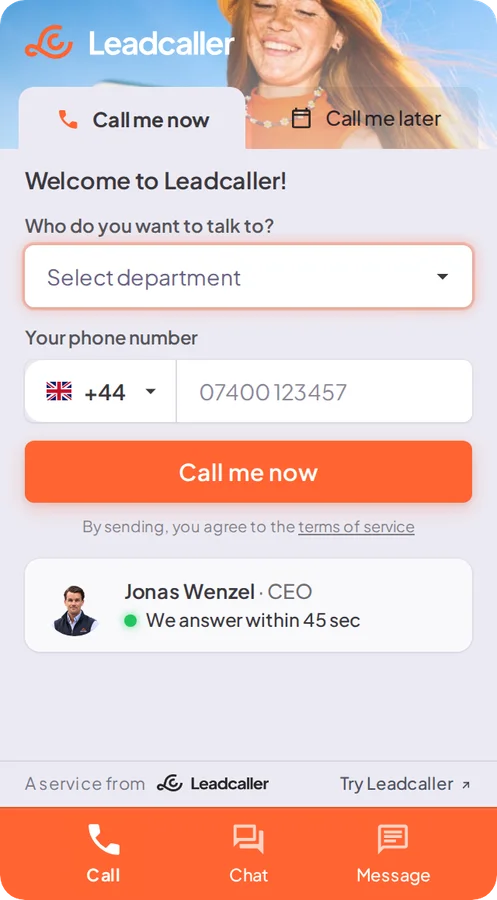
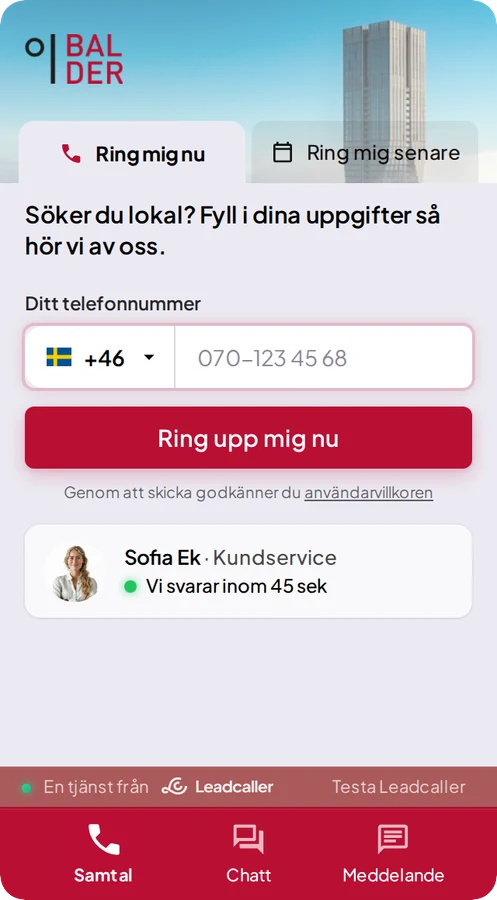
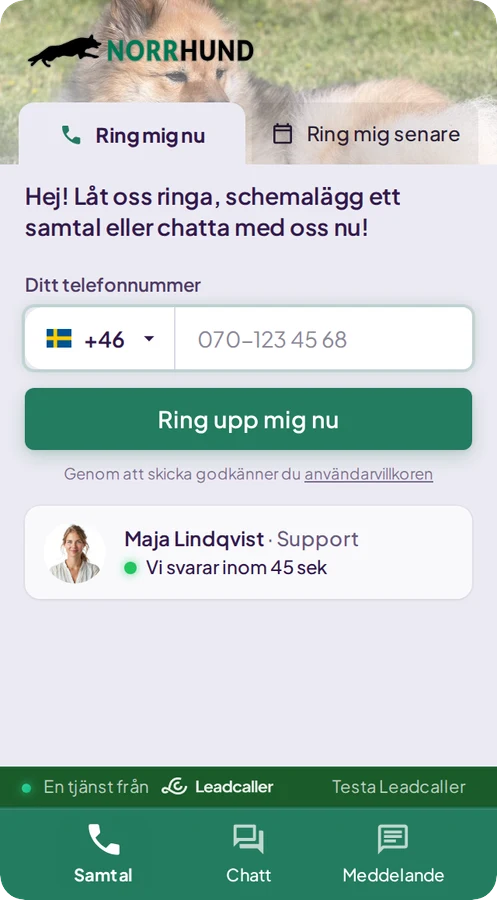
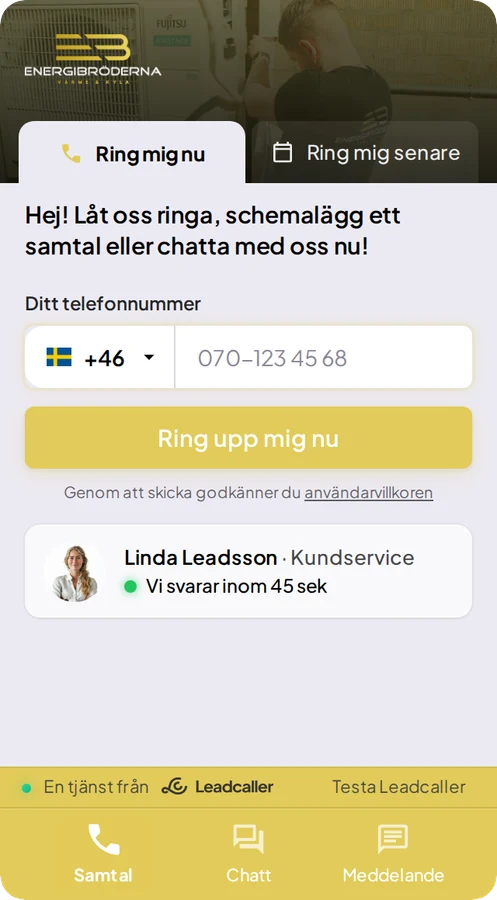
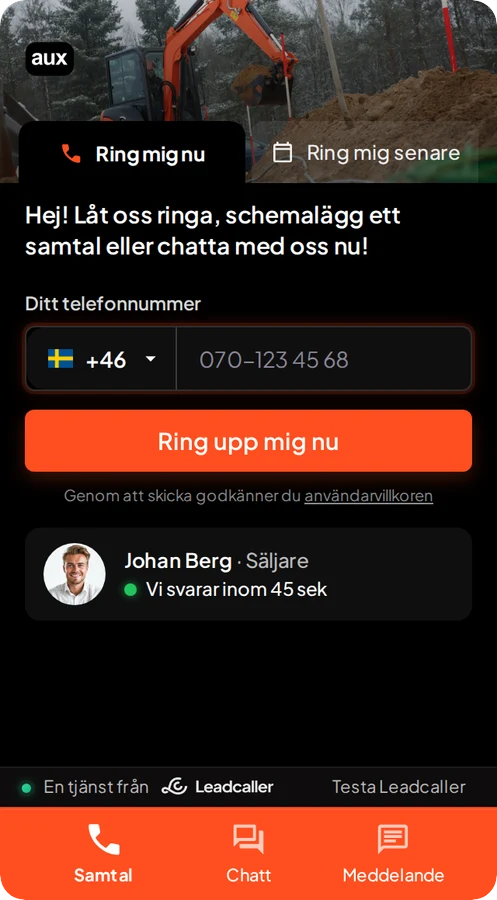
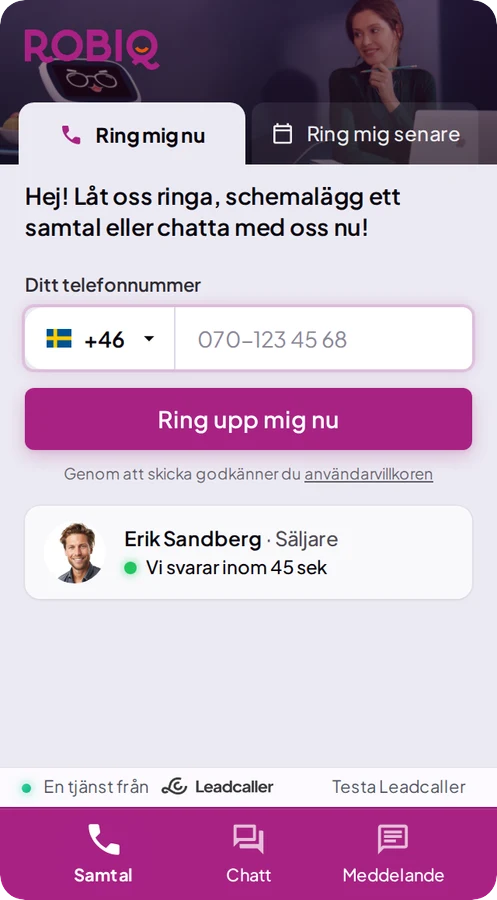
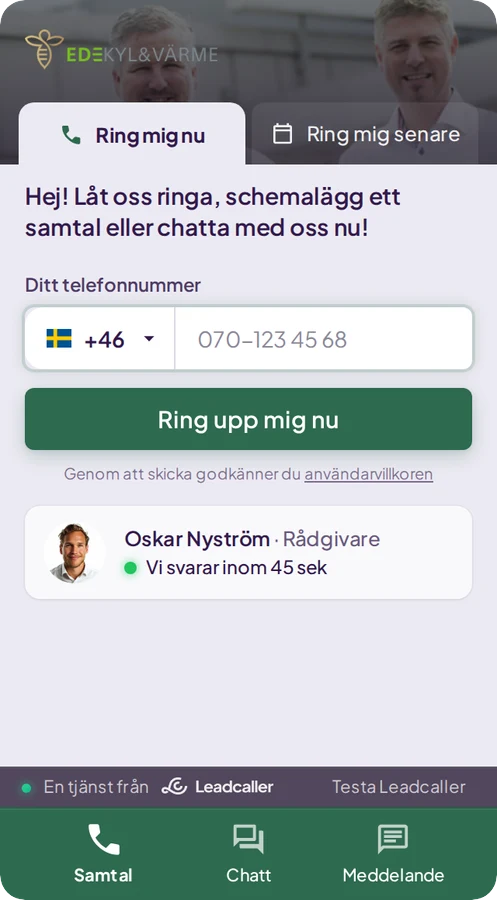
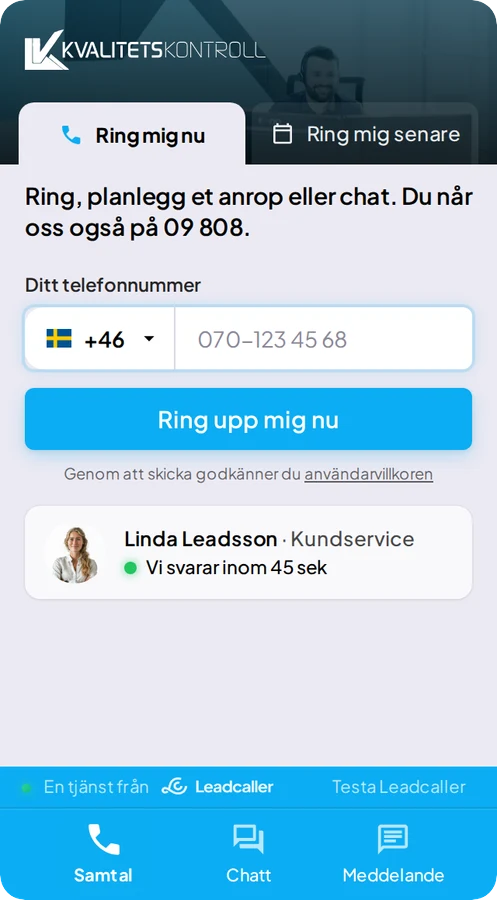
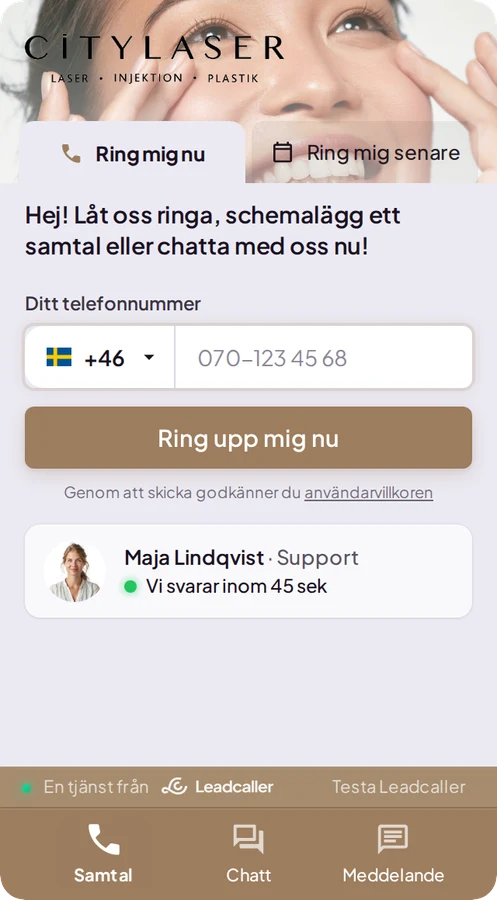
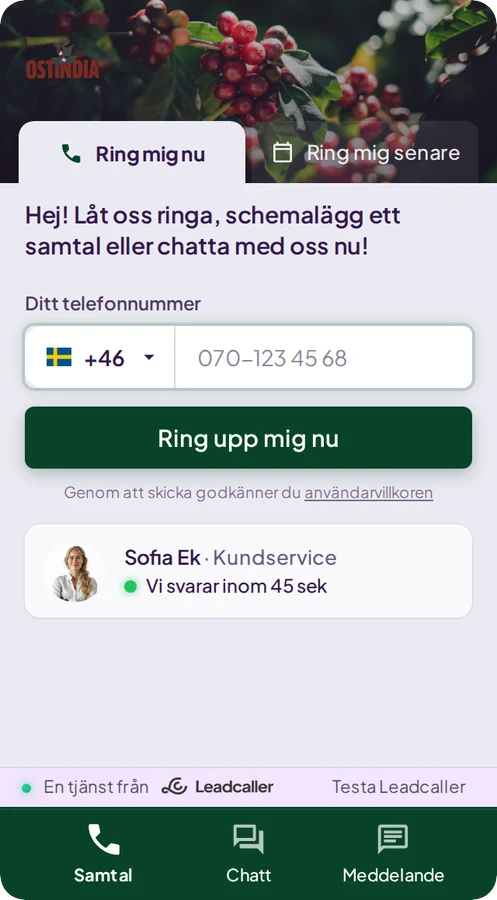
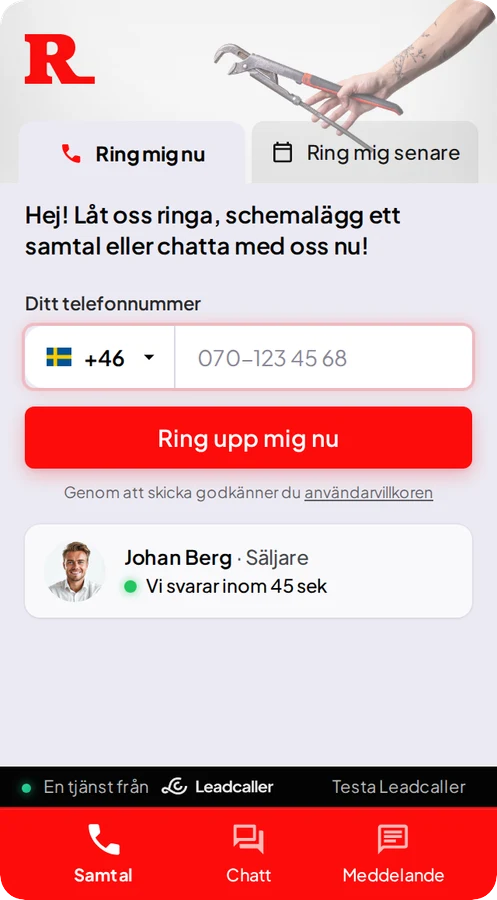
Visitors who actually
get in touch.
Contact requests at three of our customers.

Aesthetic clinic, Gothenburg
625
leads since April 2026

Serviced offices
3,156
leads since October 2024

Project software for the construction industry
2,050
leads since August 2024

Leadcaller has helped us get more expressions of interest and has been an effective way to generate leads for our business.
From demo
to first lead.
Three steps. We take the first one.

We set it up
After the demo we set up the widget in your colours, which takes 60 seconds. Then we read your site in the background so the chat can answer your visitors' questions.
You add one line
One line in your site header, or a tag in Google Tag Manager. The widget recognises your domain. If you get stuck, we'll help. See the installation guide
Leads land
Visitors start getting in touch, and you call them back while they're still interested.
What kind of companies is Leadcaller for?
Companies that spend money getting visitors to their website and want more of them to get in touch. We see it most often at B2B companies, e-commerce, property, SaaS and service businesses, but the widget isn't tied to any industry.
How does the AI chat work?
The chat answers visitors' questions based on the content of your website and what you have added in the admin panel. It guides visitors onwards, collects contact details and can book a callback when the visitor wants to be contacted.
How do we get started?
We set up your account in connection with the demo, there is no self sign-up. After that you add the widget's script line to your website's header, or via Google Tag Manager, and the widget recognises you by your domain. Step-by-step instructions are in the documentation under Get started.
Do we need technical knowledge to install Leadcaller?
No. The installation is one script line that whoever manages your website pastes in. There are guides for WordPress and Shopify, and a ready-made tag to copy for Google Tag Manager. If you get stuck, we'll help.
Where is our data stored?
With AWS in Stockholm. Traffic is encrypted and we take regular backups. Some sub-processors, such as AI providers, may process data outside the EU, under standard contractual clauses.
See the widget on your site.
Enter your domain and we'll put the widget on a picture of your site. Nothing gets installed.
That doesn't look like a web address. Try one with a dot, for example your-site.com